Guides
How to sell, store and move CS2 items without doing it one at a time. Each guide starts with what Steam itself allows, then shows the same job done in bulk with CSlytics.
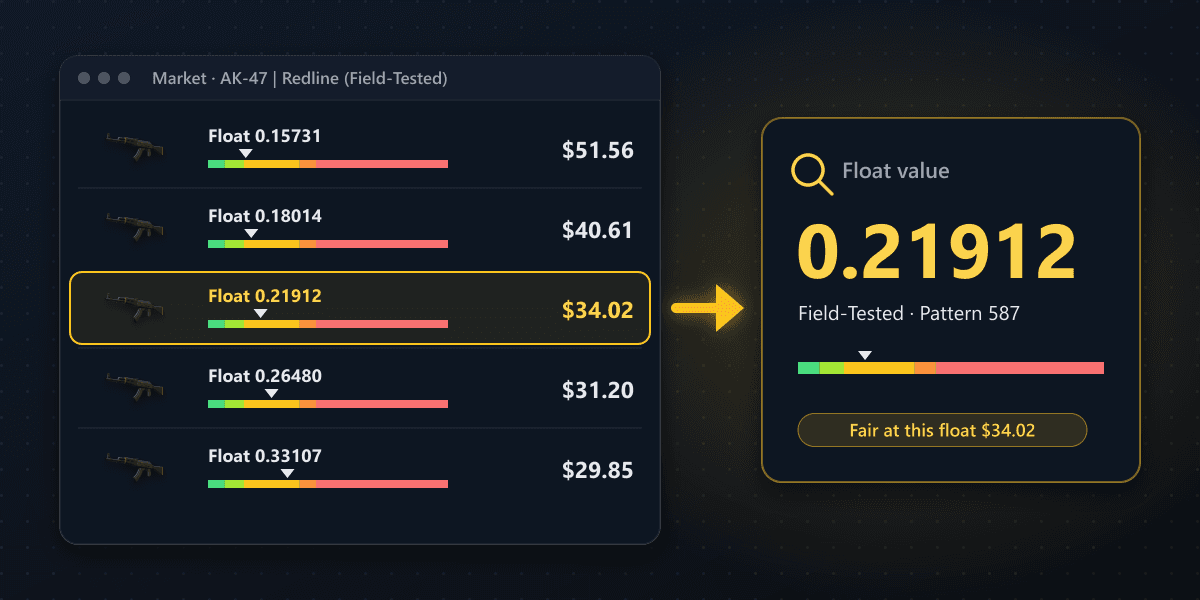 Float values
Check a skin's float value
Steam shows the float, not what it is worth. See the price at your exact float, then list at it.
5 min read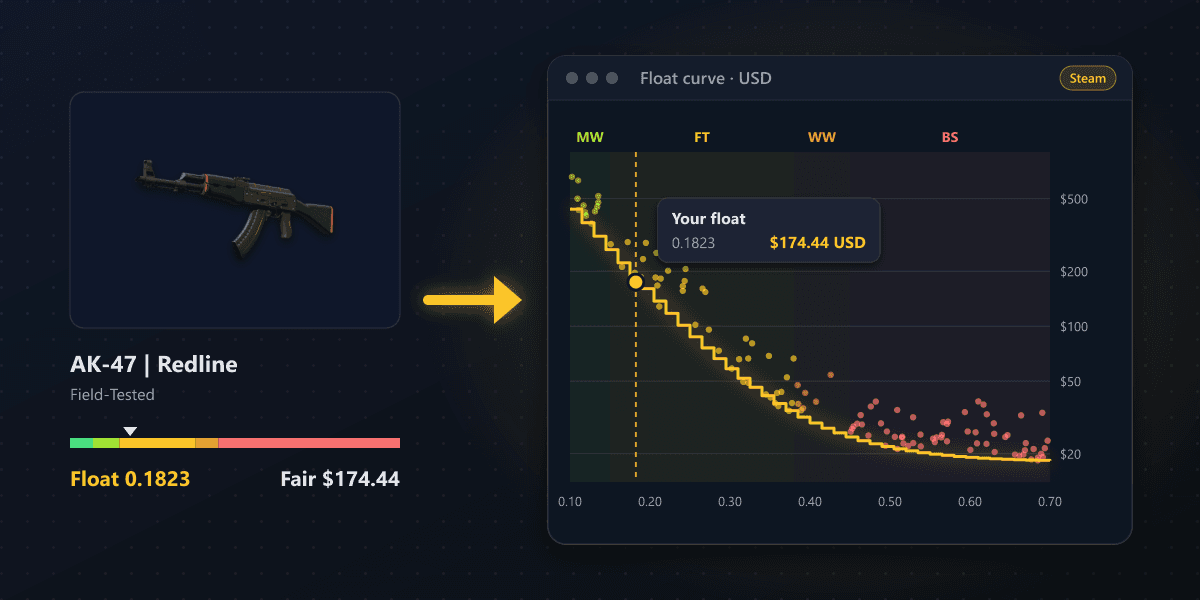 Item pages
Price a skin by its float
Read the fair price at any float from the live order book, the price history and the float curve on one screen.
6 min read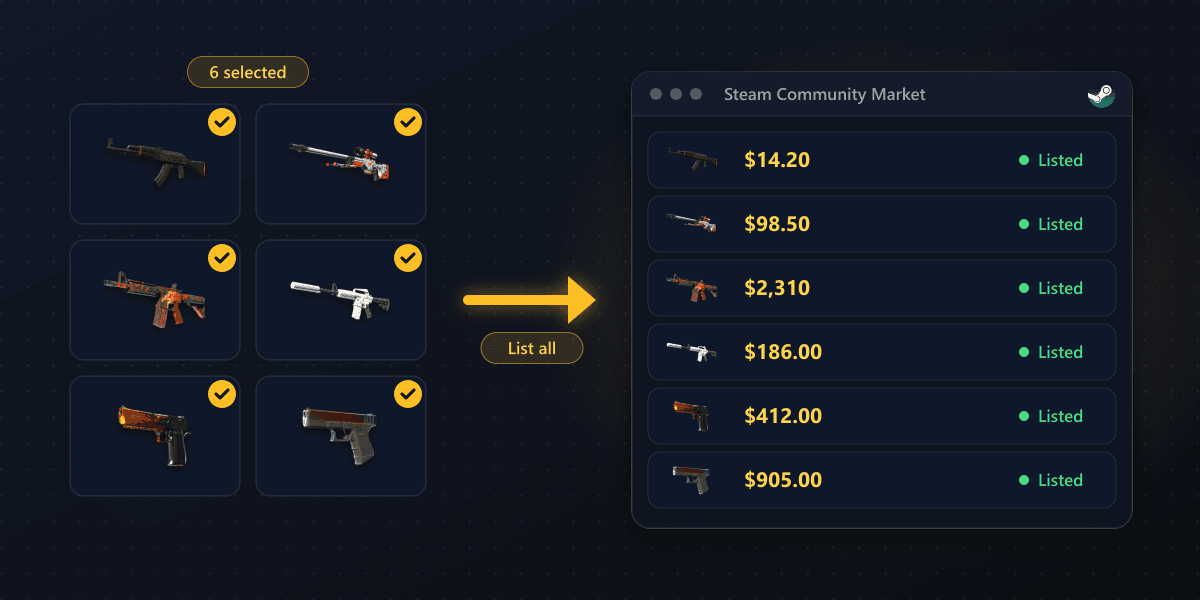 Steam Market
Sell multiple items on the Steam Market
Steam has no bulk sell button, so CSlytics lists and reprices many items in one pass.
7 min read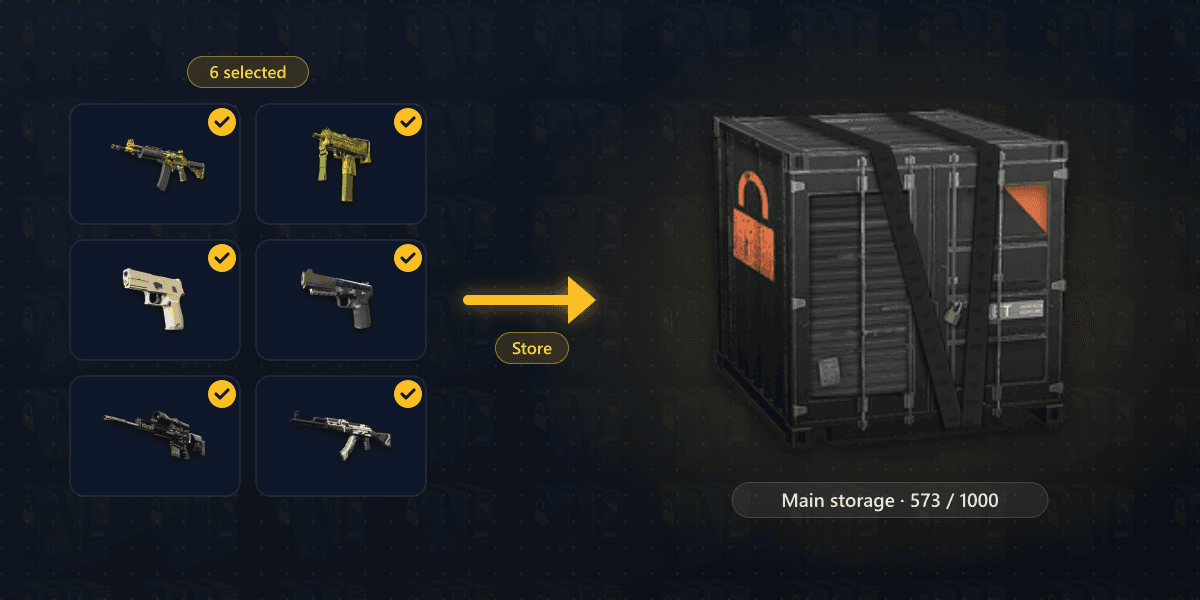 Storage units
Manage CS2 storage units
Store and retrieve hundreds of items without loading them one by one in the game.
5 min read Transfers
Move items between your accounts
Move items from one of your accounts to another, with the offers sent and accepted for you.
5 min read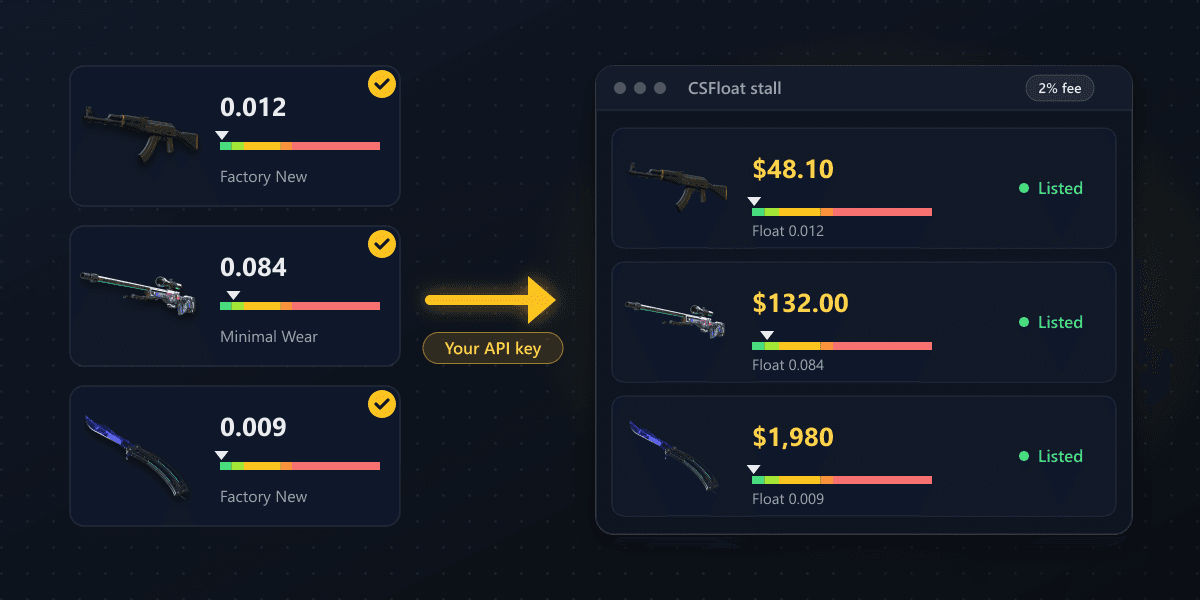 CSFloat
List in bulk on CSFloat
List many items on CSFloat with your own API key, from the same screen as the Steam Market.
5 min read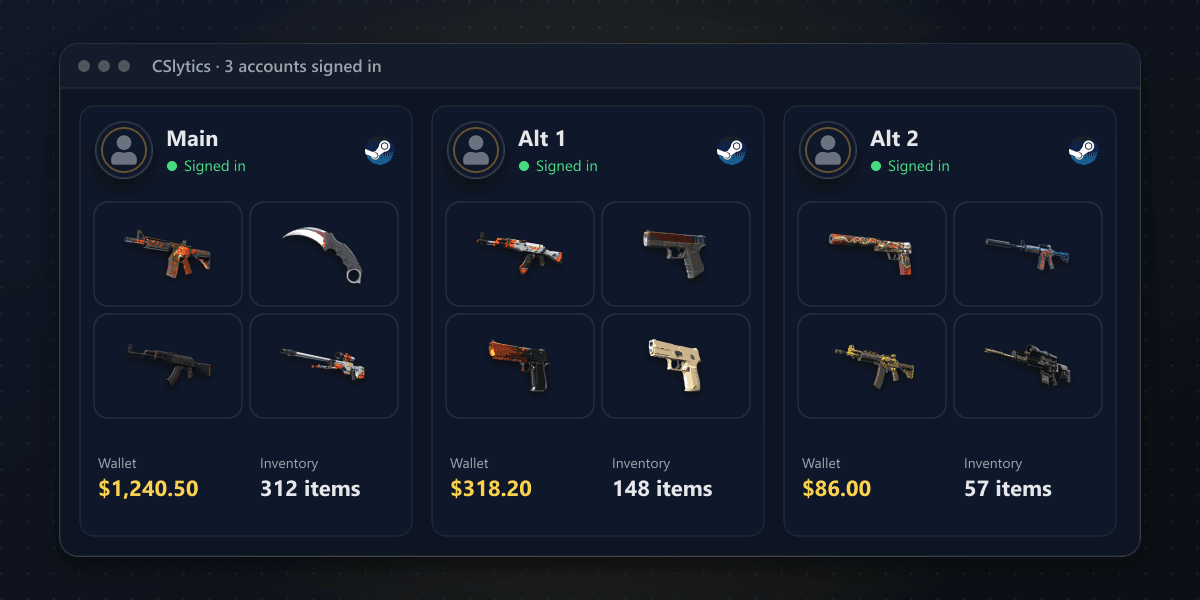 Accounts
Manage multiple Steam accounts
Every account you trade on signed in at once, with inventories and listings side by side.
4 min read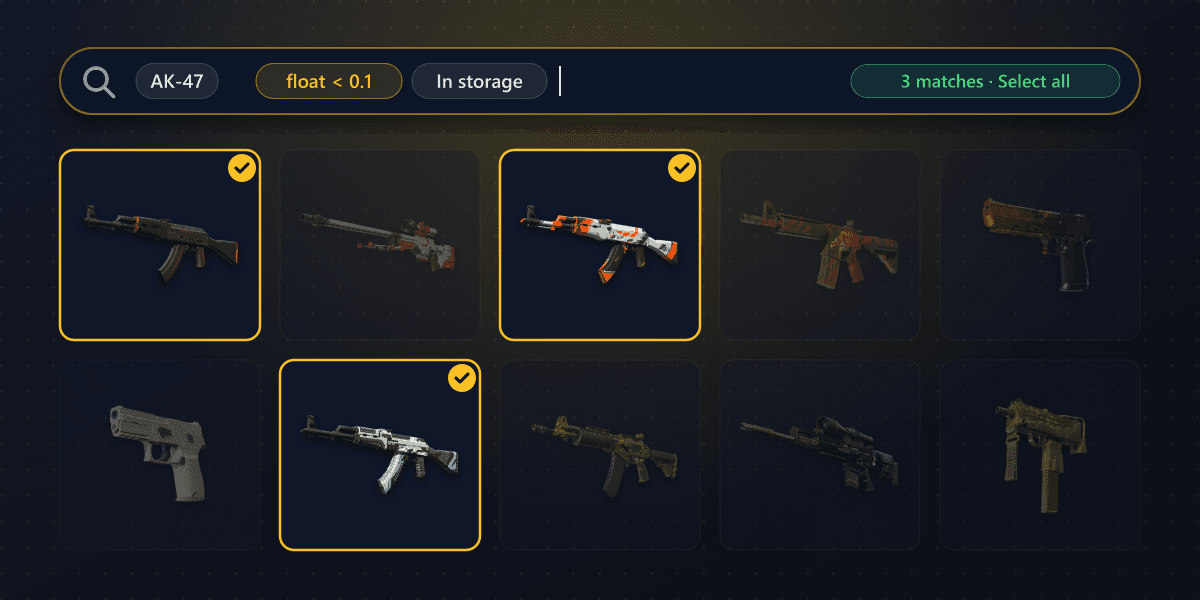 Search
 your CS2 inventory
Filter every account and storage unit by float, wear, pattern and lock, then act on every match.
5 min read